
Gemini Omni Flash AI Video Generator
Create cinematic AI videos, consistent character clips, and physics-aware scenes with Omni Flash — an independent video creation platform built for the Gemini Omni era.
New accounts start with a one-time 10-credit welcome bonus — no credit card required. Background and demo clips on this page are Google DeepMind's own Gemini Omni Flash launch footage, shown for illustration; they were not generated here.
Edit your video by talking to it
Change the look, the action, or the camera - each turn edits your clip instead of regenerating it
Demo footage published by Google DeepMind to introduce Gemini Omni Flash — not generated on this platform. View the original announcement.
Create AI videos in three steps
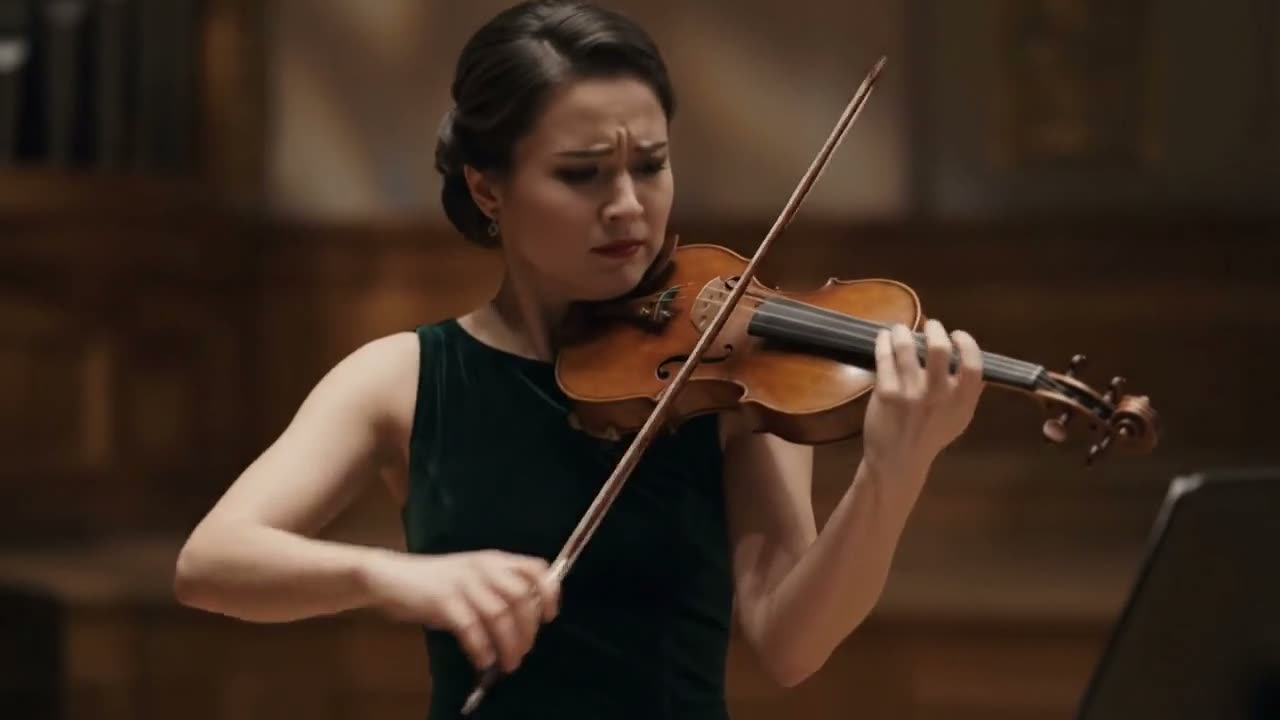
Describe your scene
Start from a text prompt, product photo, character concept, or reference clip.
Choose a workflow
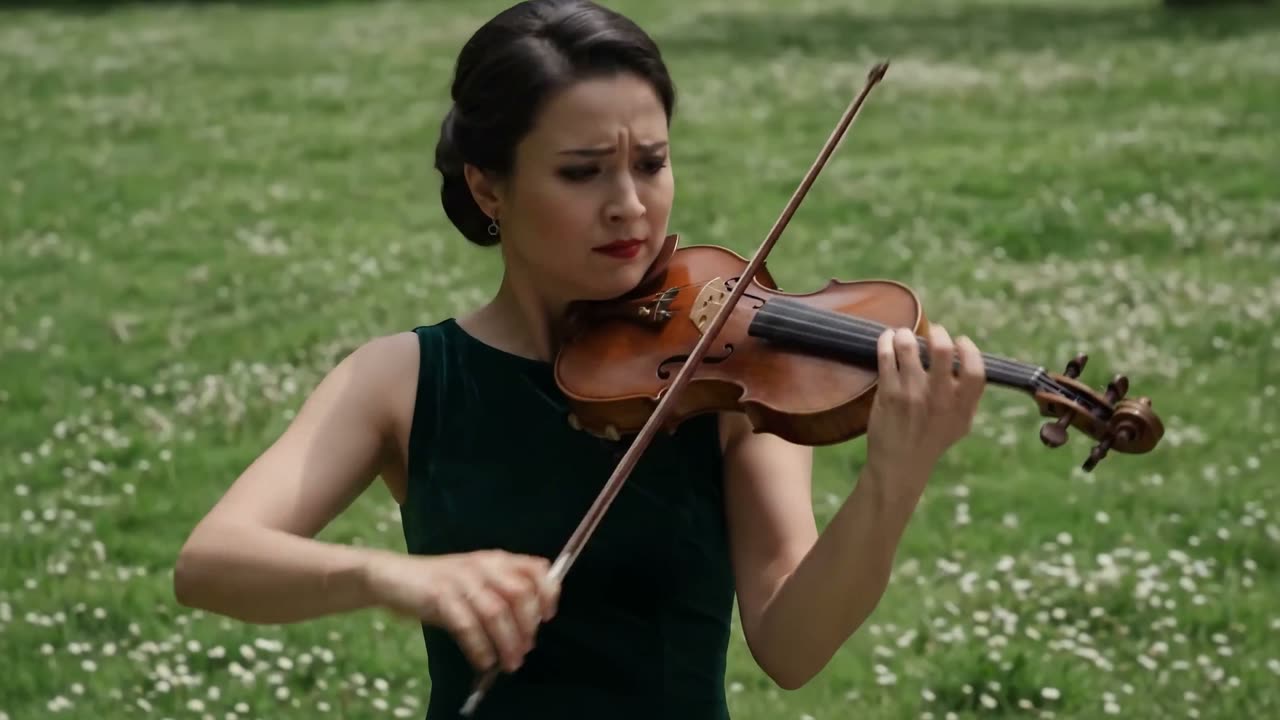
Text-to-video, image-to-video, consistent character, or a physics-aware scene.
Generate and refine
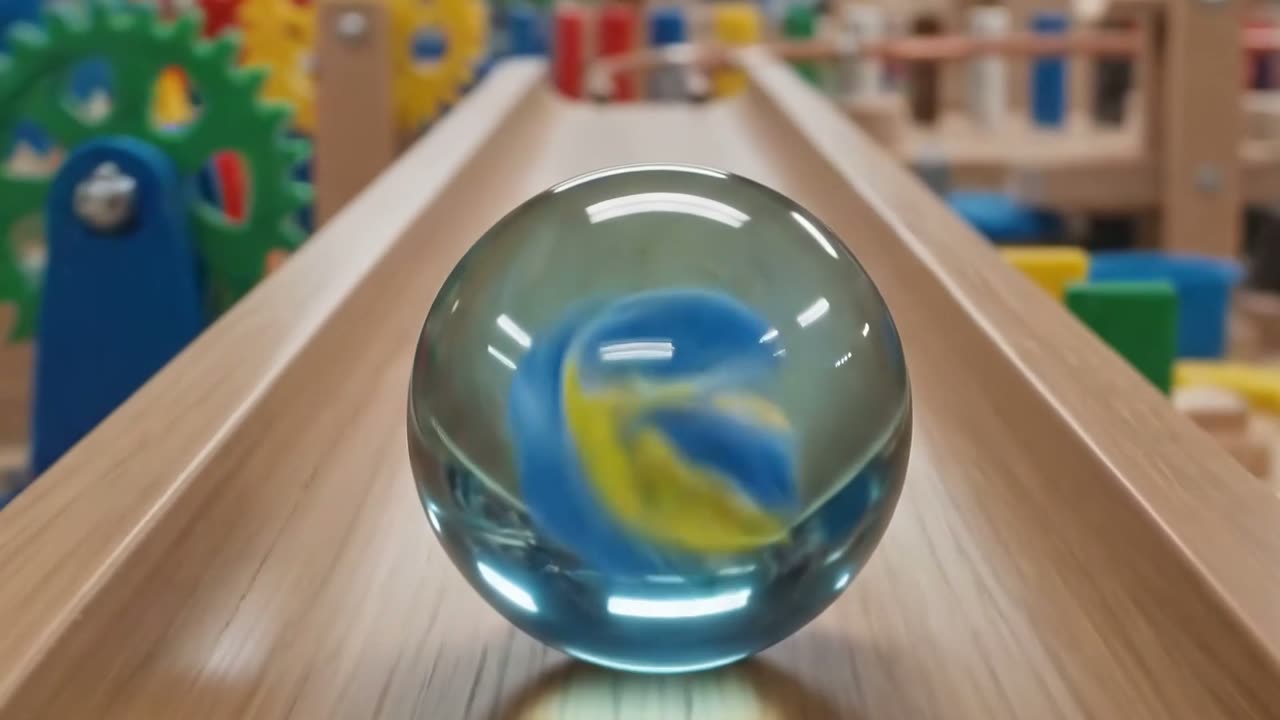
Pick Gemini Omni Flash or Veo 3.1, then keep editing in plain language.
Everything you need to create AI videos
Direct any frame, any moment, any detail with plain language. No timelines, no masks — and both Gemini Omni Flash and Veo 3.1 live in the same studio
Rewrite the look of your world
Recast the aesthetic, retime the action, swap the mood - your source video stays the foundation, Omni reshapes everything on top of it
Input video
Every edit still points back to your footage.
Take something out, put something in, change the light - your original clip stays the foundation, so the performance underneath never drifts
Try it nowAsk for anything, in any world.
A whale over a city, a skate line at golden hour, a museum that has never been built - the same prompt box handles all of it
Motion that actually obeys reality.
Omni has a built-in sense of gravity, momentum, and fluid dynamics - so cloth falls, water splashes, and objects collide the way they should
Try it nowStories that know what they're talking about.
Omni draws on real history, real science, and real mathematics - and knows how to wrap a narrative around them without faking the details
Sound that belongs to the shot.
Voices, room tone, and score are generated with the picture rather than laid over it - already in sync, already in the same space
Try it nowDemo footage published by Google DeepMind to introduce Gemini Omni Flash — not generated on this platform. View the original announcement.
From prompts to world simulation
Mix clips, stills, and sound - Omni Flash resolves them into one coherent shot
Demo footage published by Google DeepMind to introduce Gemini Omni Flash — not generated on this platform. View the original announcement.
Create AI videos for creators, marketers, and brands
One studio, two live models, and prompt workflows built around the formats people actually ship.

Start creating AI videos today
Build cinematic clips, consistent characters, and physics-aware scenes — ready for the Gemini Omni era
Start creating videosAI video pricing for creators and teams
Credits roll into every workflow — text-to-video, image-to-video, and conversational edits
Lite
For individual creators
- 800 credits / month (~5 standard 8s 720p videos)
- Text-to-video workflow
- Image-to-video workflow
- Prompt enhancement
- YouTube Shorts prompt workflows
- Basic consistent character prompts
- 720p, 1080p & 4K outputs
- Personal use license
Pro
For serious creators and marketers
Save 20% per credit vs Lite
- 2,000 credits / month (~12 standard 8s 720p videos)
- Text-to-video & image-to-video
- Advanced prompt enhancement
- Conversational video edit prompts
- Physics-aware scene workflows
- Consistent character video workflows
- Native audio workflows where supported
- 720p, 1080p & 4K outputs
- Priority generation queue
Ultra
For teams, agencies, and advanced workflows
Save 33% per credit vs Lite
- 6,000 credits / month (~37 standard 8s 720p videos)
- Priority generation
- Batch prompt workflows
- Advanced consistent character workflows
- AI avatar workflow preparation
- Marketing video templates
- Commercial use license
- Early access to new model workflows
- Native Gemini Omni Video integration
Credits are consumed per generation and vary by resolution and clip length. See the full credit table on the pricing page.
Commercial rights depend on your plan and on the upstream model provider's terms. Independent platform · Not affiliated with Google.
What is Gemini Omni Flash?
Gemini Omni Flash is Google’s multimodal AI video model — it takes text, images, reference clips, and audio as inputs and generates video where all of those signals stay consistent across the scene. Unlike single-prompt text-to-video models, it is built for iterative editing: change one object, swap a character’s outfit, or adjust camera motion through natural language without regenerating the entire clip.
The “Flash” tier is the fast, cost-efficient member of the Gemini Omni family — made for short-form video, ad creative, and creator workflows where you try many variations before locking the final shot, with the 1.1 release adding scene extension and finer control on top. Compared with Veo 3.1, it leans into conversational edits, scene memory across shots, character consistency, and physics-aware generation rather than purely cinematic single takes.
Omni Flash — this site — is an independent studio built around that model: pick Gemini Omni Flash or Veo 3.1 from one selector, switch without rewriting your prompt, and generate without integrating Google’s developer API yourself.
Gemini Omni Flash FAQ
The questions creators ask before their first generation
What is Omni Flash?
Omni Flash is an AI video creation studio for creators and marketers. Describe your scene in plain language — or start from an image — and generate cinematic clips with Gemini Omni Flash or Veo 3.1, then compare, iterate, and download everything in one place. No API keys and no waitlist: sign up and your first project is ready in minutes.
Which AI video models can I use?
Two models run side by side in the studio: Gemini Omni Flash — including the new 1.1 release — and Veo 3.1. Switch between them without rewriting your prompt or re-uploading references. Pick Gemini Omni Flash for multi-shot continuity, conversational edits, and character consistency; pick Veo 3.1 for a single cinematic shot with native synced audio.
What makes Gemini Omni Flash different from other AI video models?
Two things stand out. It is physics-aware: movement, gravity, collisions, and shadows behave like the real world — a dropped ball bounces, and a walking character’s shadow follows them. And it is conversational: instead of regenerating a whole clip, you describe the change — "swap the red car for a blue truck", "make the lighting cooler" — and the model edits the existing scene.
Can I keep the same character across multiple shots?
Yes. Build a character sheet — face, outfit, posture, signature details — and reference it across scenes so the same character stays recognizable throughout your video. Gemini Omni Flash handles multi-shot continuity natively, and a strong reference image tightens consistency further.
What resolutions and clip lengths are supported?
Clips run 4 to 10 seconds at 720p, 1080p, or 4K, in widescreen (16:9) or vertical (9:16). Credit cost scales with length and resolution, so you can draft fast at lower cost and render your final cut at 1080p or 4K.
Can I make vertical videos for YouTube Shorts and TikTok?
Yes. Generate natively in 9:16 for YouTube Shorts, TikTok, and Instagram Reels — no cropping. The studio includes vertical prompt templates, short-format scene patterns, and batch workflows that turn one concept into several testable variations.
Can I use generated videos commercially?
Yes, on paid plans. Pro includes commercial usage rights for individual creators and marketers, and Ultra covers teams and agencies; Lite is for personal projects. Review the upstream model providers’ terms for any restrictions that apply on top of your plan.
How is Omni Flash related to Google’s Gemini Omni Flash model?
Omni Flash is an independent creator platform — we are not affiliated with Google or the Gemini team. We integrate publicly available models, including Google’s Gemini Omni Flash and Veo 3.1, so you get the same model quality with creator-focused workflows on top, and no API key to manage.
How do credits and plans work?
Every generation costs credits based on the model, resolution, and clip length you choose. New accounts start with 10 free credits — no credit card required — and paid plans include a monthly allowance: 800 on Lite, 2,500 on Pro, and 6,000 on Ultra. Full details are on the pricing page.